Can I play Downhill Descent Riding with touch controls?
Yes. Downhill Descent Riding includes touch controls for carving, jumping and braking. Hold the left or right side to carve, and tap or hold the bottom jump area to jump.
Downhill snowboarding
Downhill Descent Riding is a browser snowboarding game from WatermelonTrainwhistle Games. Carve down the mountain, charge jumps, perform aerial tricks and find grind lines using keyboard or touch controls.
Play Downhill Descent Riding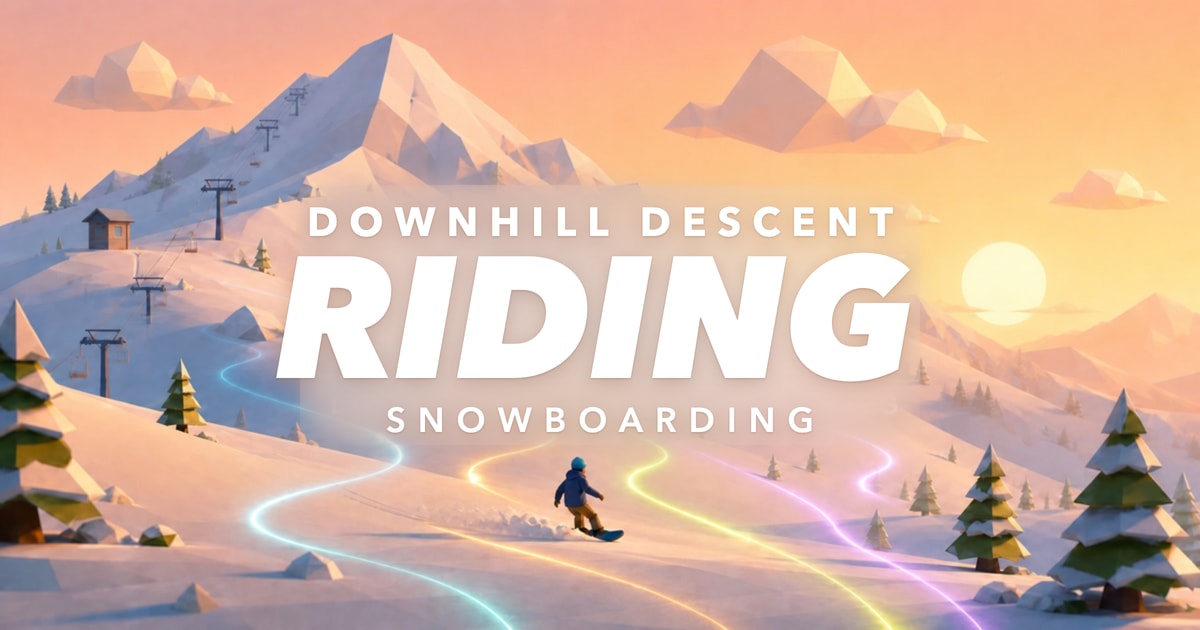
Open the game and select Drop In, then choose Mountain Run or Free Ride. Learn to control your speed and line before attempting longer trick sequences.
Leave room to turn around trees and rocks. Approach jumps with a clear landing ahead, and use braking to adjust your route. The game’s How to Play screen explains the controls before you drop in.
Yes. Downhill Descent Riding includes touch controls for carving, jumping and braking. Hold the left or right side to carve, and tap or hold the bottom jump area to jump.
Hold Space on the keyboard, or hold the touch jump area, to charge while riding on the ground. Release to jump. The on-screen charge bar shows how much charge you have built.
When an airborne trick sequence appears, follow its direction prompts. On the keyboard, use the arrow keys or matching WASD directions. Finish the sequence and land to complete the trick.
Free Ride is the endless mountain mode in Downhill Descent Riding. Explore at your own pace, look for jumps and grind lines, and find hidden relics along the way.